 GTKDraw
 is a drawing app for GNOME. Open a folder and sketch in the Excalidraw drawings inside it.
$ git clone https://github.com/durguto/gtkdraw
The snap is coming soon. Until then, build it from source. Free and open source, MIT license.
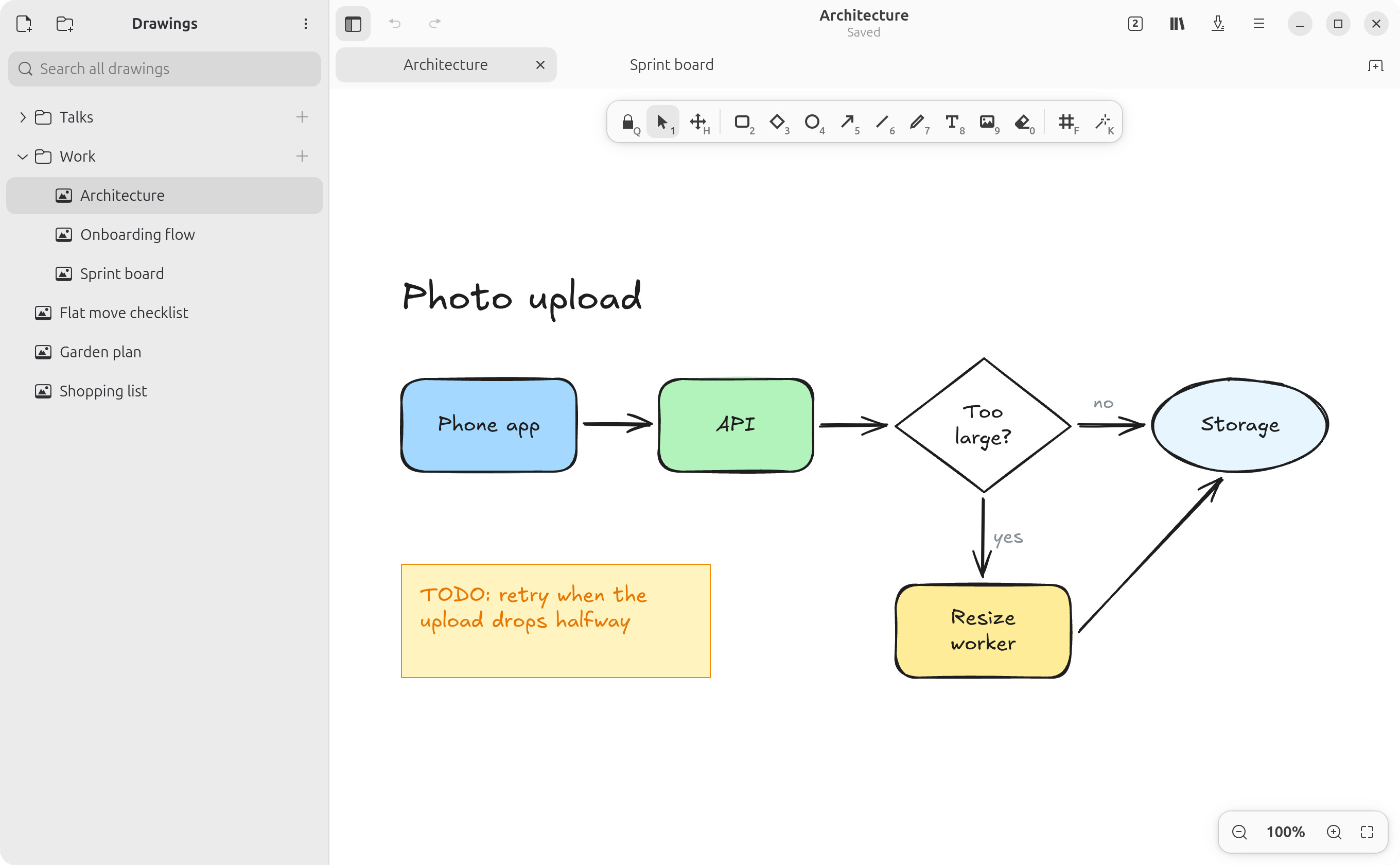
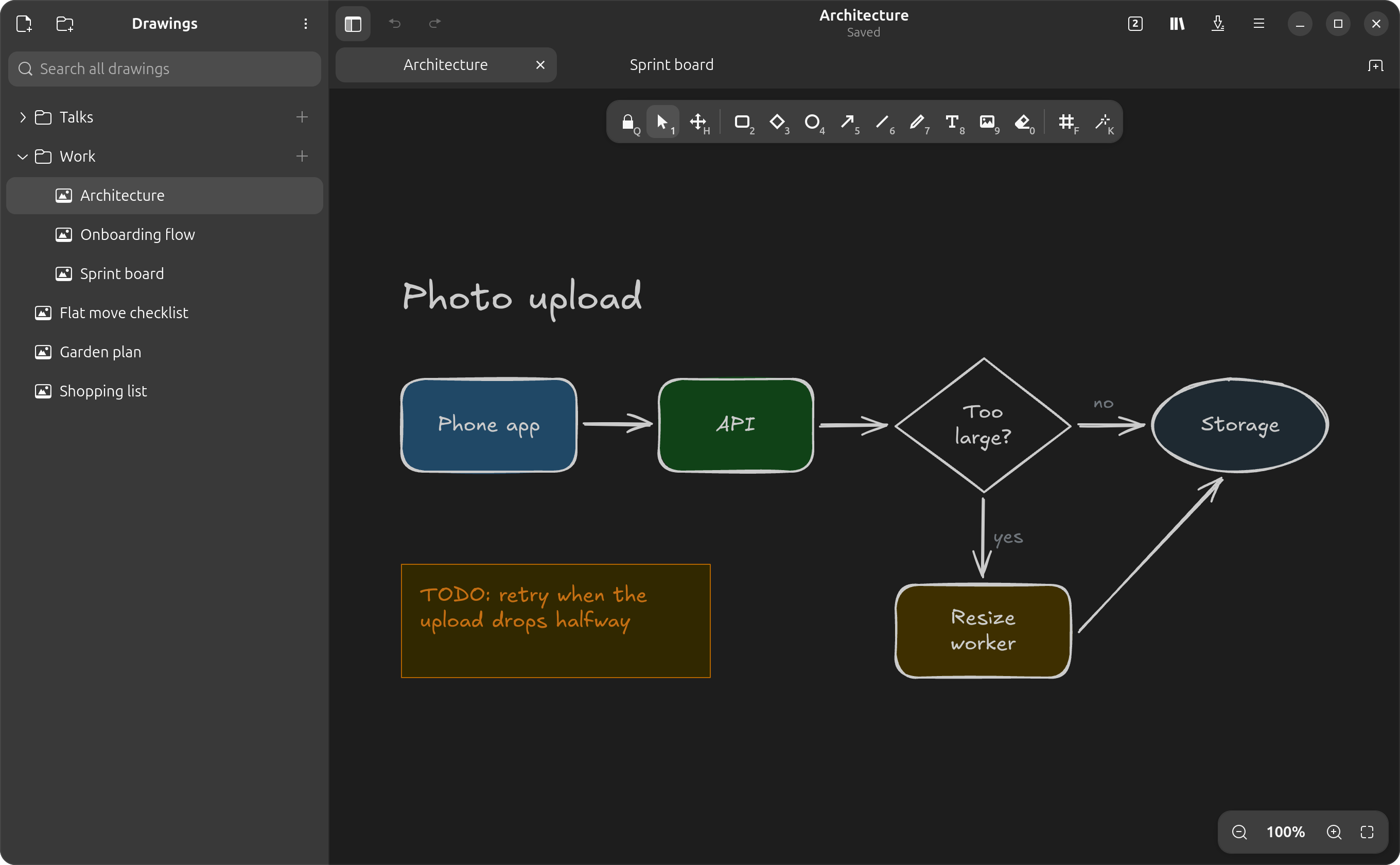
your drawings
folder
tabs stay open after a restart
draw the way
you would in
Excalidraw
saved as you draw
- The sidebar shows your drawings folder.
- Tabs stay open after a restart.
- Draw the way you would in Excalidraw.
- Everything is saved as you draw.
What it does
- Shows every drawing in a folder, with subfolders as groups. Rename, duplicate, move or trash them from the sidebar.
- Opens drawings in tabs, and reopens them next time.
- Saves as you draw. If a drawing changes somewhere else, it reloads, and it never silently overwrites changes you made.
- Finds drawings by name or by the text written in them.
- Follows your system's light or dark style, accent color and language, and works offline.
Install
The snap is on its way to the Snap Store. Until then, install from source.
$ sudo apt install python3-gi gir1.2-gtk-4.0 gir1.2-adw-1 gir1.2-webkit-6.0
$ git clone https://github.com/durguto/gtkdraw && cd gtkdraw/web
$ npm ci --ignore-scripts && npm run build && cd ..
$ ./install.sh
install.sh adds a desktop entry and opens .excalidraw files with GTKDraw. ./install.sh --uninstall removes it.
Made on Ubuntu 26.04. Elsewhere you need GTK 4.10 or newer, libadwaita 1.8 or newer and WebKitGTK 6.0.
Help
Translations are one JSON file per language, mapping each English string to its translation; tr.json is a complete example. Bugs and ideas go to the issue tracker.